
1. Requirements
- Java Development Kit (JDK)
- Download :
http://www.oracle.com/technetwork/java/javase/downloads/index.html - Installation Instructions :
- Download :
- Android SDK
- Download : http://developer.android.com/sdk/index.html
- Installation Instructions : https://sidiq.mercubuana-yogya.ac.id/how-to-install-android-sdk-on-my-os-ubuntu-linux/
- Netbeans IDE
- Download : (Recommended : 7.0+ Version) : http://netbeans.org/downloads/
- Installation Instruction : https://sidiq.mercubuana-yogya.ac.id/how-to-install-netbeans-ide-on-my-os-ubuntu-linux/
2. Installation
- Open Netbeans (Go to start menu -> Programming -> Netbeans)
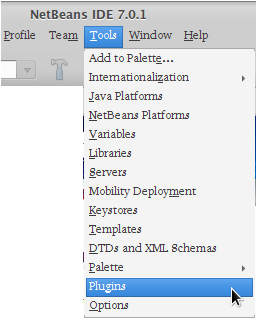
- Click the tools menu and select Plugins.
- Then select the Settings Tab and click the “Add button”.
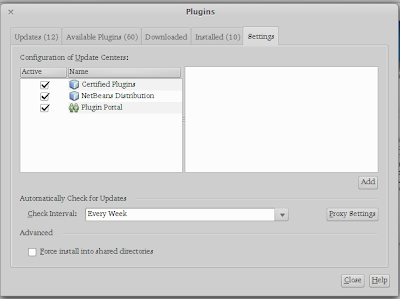
- In Window plugin, click on Setting tab, and then :
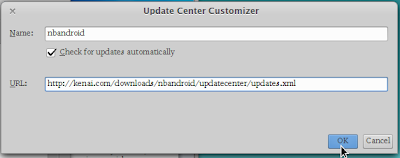
- type “nbandroid” (without quotes) in the Name field, and
- type below url in the URL field :
http://kenai.com/downloads/nbandroid/updatecenter/updates.xml
and then click the “OK” button.
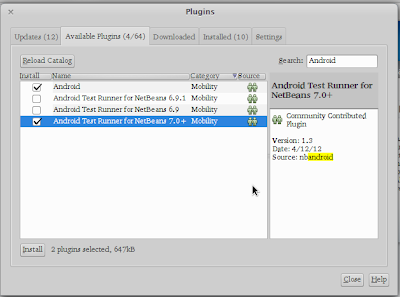
- Click on “Available Plugins” tab, and then type Android in the right hand side search box.
- Check “Android” and “Android Test Runner For NetBeans 7.0+” ((Note:If you are using Netbeans 7.0+), and then click the “Install” button.
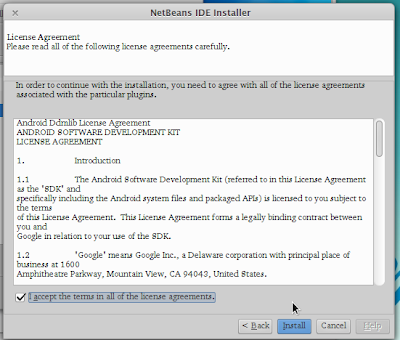
- If you have seen window “Netbeans IDE Installer”, click the “Next >” button,

- Next put a check list on the “I accept the terms in all of license agreement” to approve the license. Then click the “Install” button.
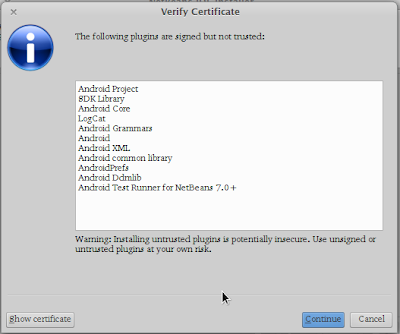
- If you have seen window “Verify Certificate”, click the “Continue” button,
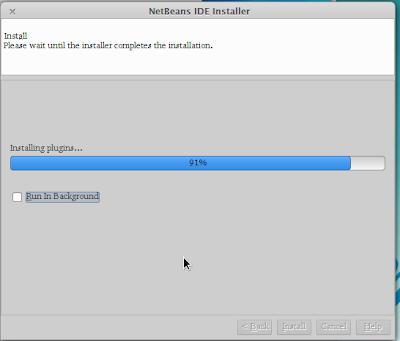
- The next step wait for the finished installation.
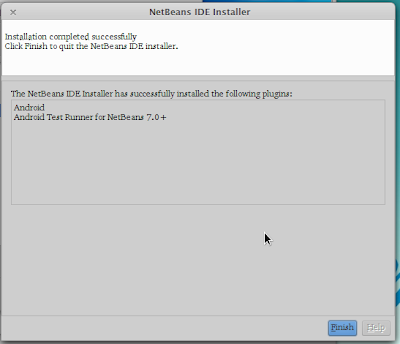
- After the installation is complete, click the Finish button and restart NetBeans IDE to perform the update.
3. Configuration
- Go to Tools->Options->Miscellaneous and select android tab.
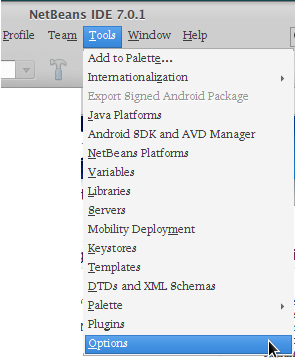
- Browse and locate the Android SDK (Ex : /opt/android/android-sdk-linux), and then click the “OK” button.

- Click the “OK” button to finishing configuration.
Download PDF Tutorial :
– How To Install and Configure Android SDK On Netbeans IDE “Under My OS / Ubuntu (Linux)”
Good Luck ..!


